Umovi Calendar for teams · iPhone & iPad
Less checking.
More knowing.
Widgets show what’s next — even on your Lock Screen.


Your next client.
Already in view.
Max. Classic Cut. Two o’clock. The essentials stay on your employee’s screen between bookings.
 in 1 hr, 20 min
Who’s next.
When to be ready.
A booking made.
A team in the know.
 Malik Bennett
 Ravi Shah
A client finds their time.
Max chooses Classic Cut with Malik. Tuesday, 2:00 PM. Your manager’s widget is still clear.
What’s next.
What needs you.
Where there’s room.
Choose the place and employees that matter to you. Give each useful view a home on your screen.
See the bookings.
Spot the openings.
Your employees see their own bookings and free time. Your manager sees the team together, with a photo beside each booking to show who’s taking the client.
Tap a free slot to start a booking at that time. Switch to the tall widget to see several days together — and find the next opening without leaving your Home Screen.

 Malik, Ravi & Andre
Your day changes.
A glance keeps up.
Before you unlock, see your next client, the booking in progress, or a request that needs your attention.
Know who’s next.The next booking sits above the clock. Below it, the service and client are already in view.
A glance tells you.
The app lets you act.
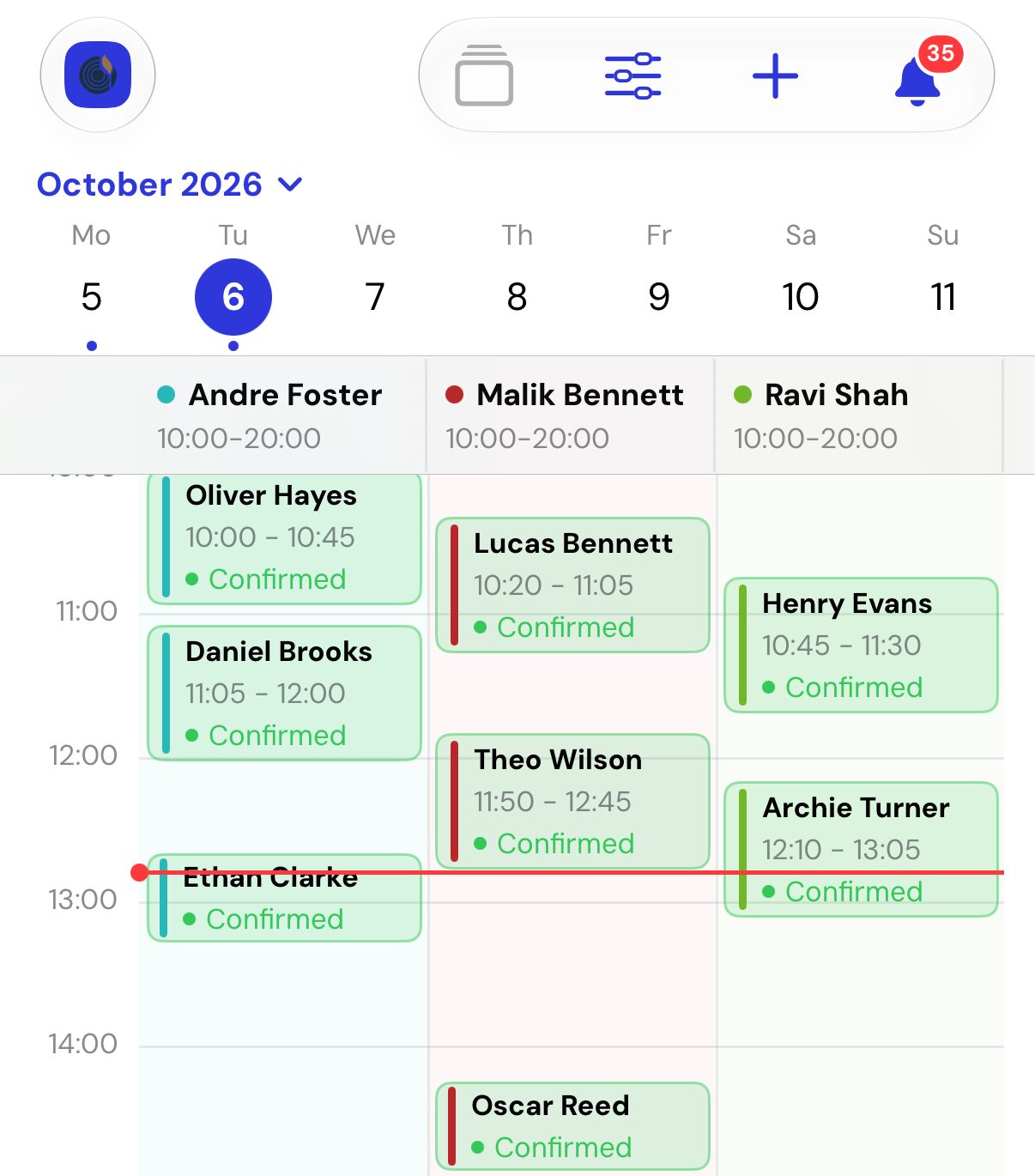
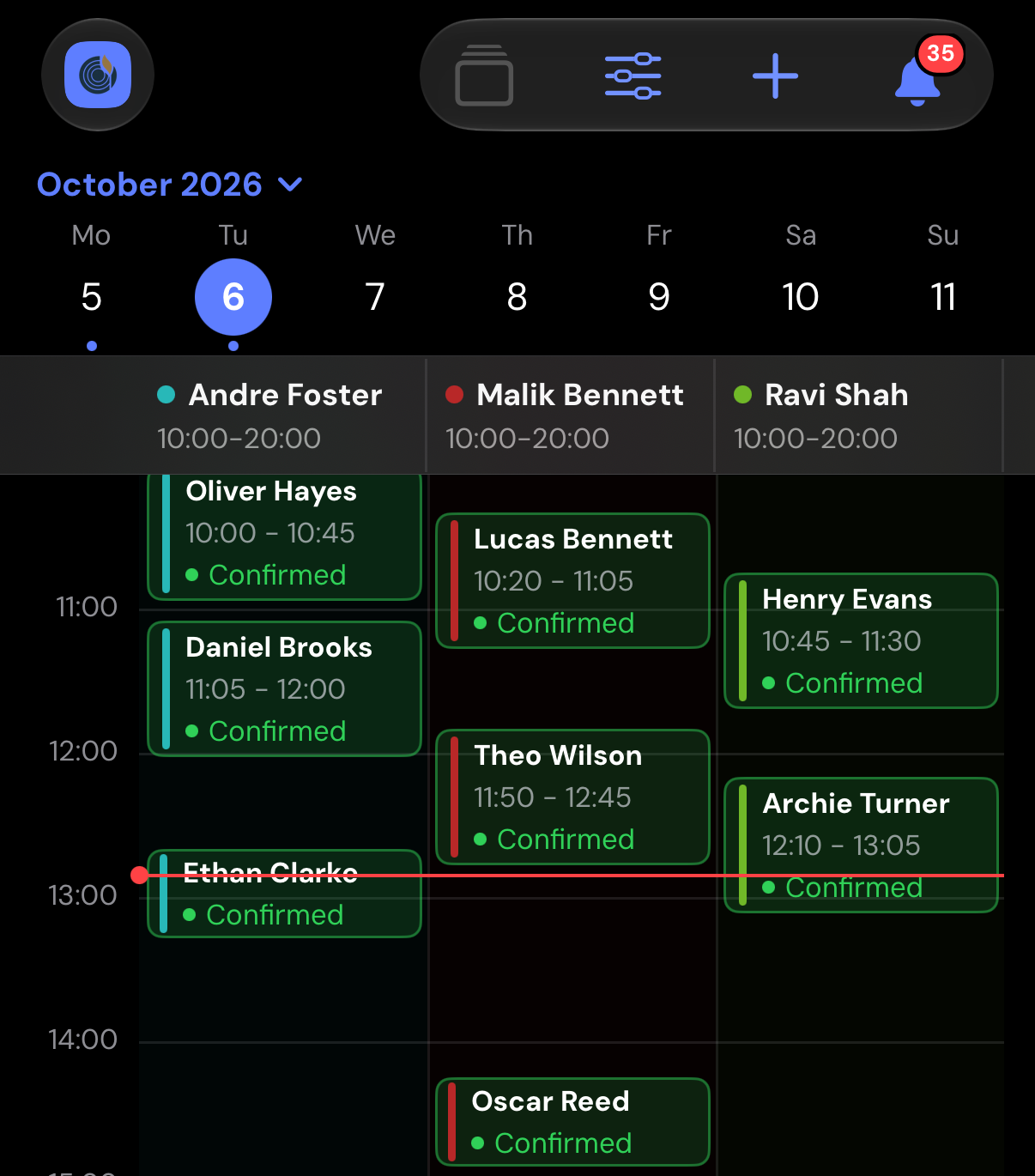
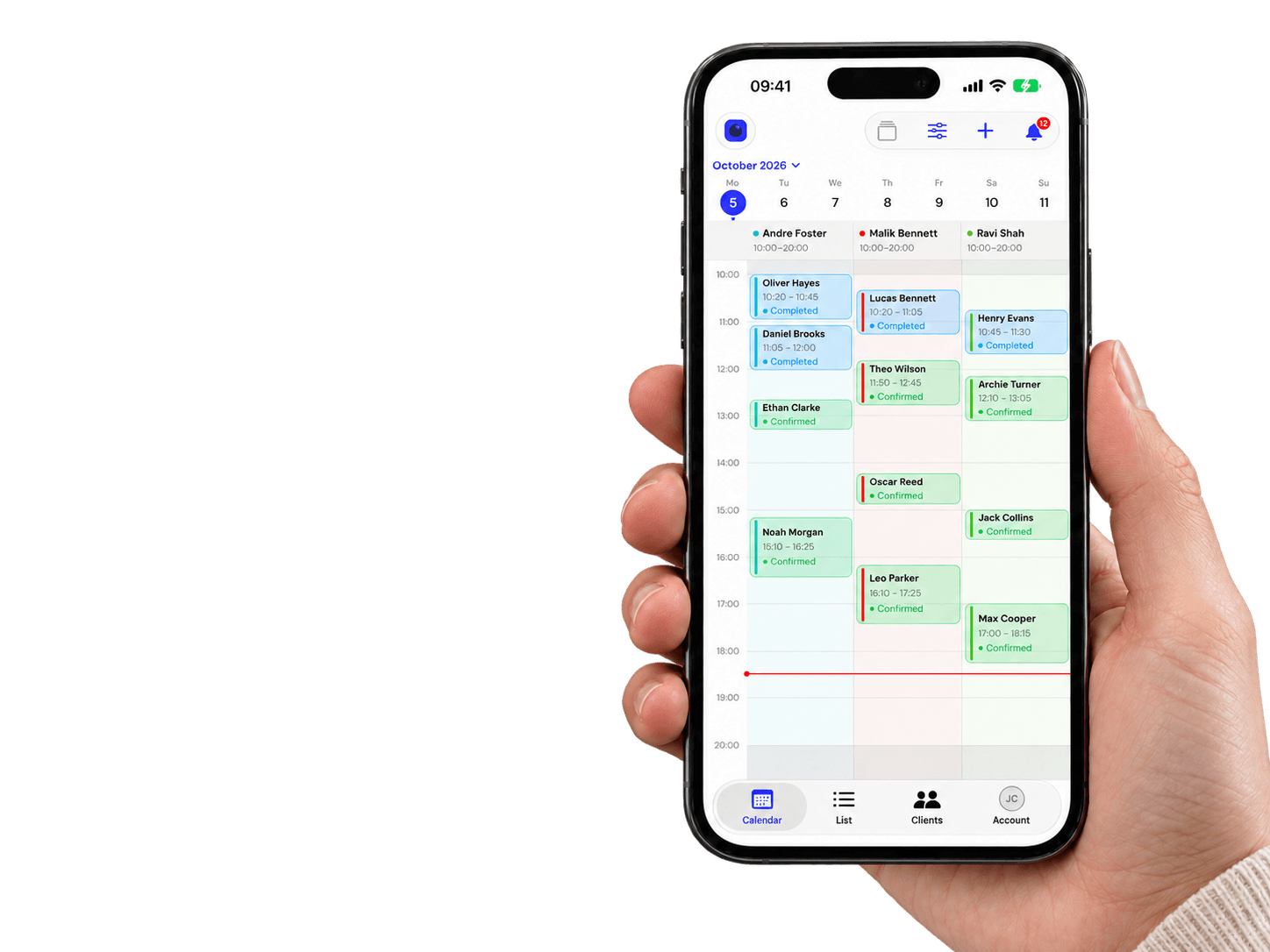
Your team’s calendar
Every employee’s day side by side. Open any booking with a tap.
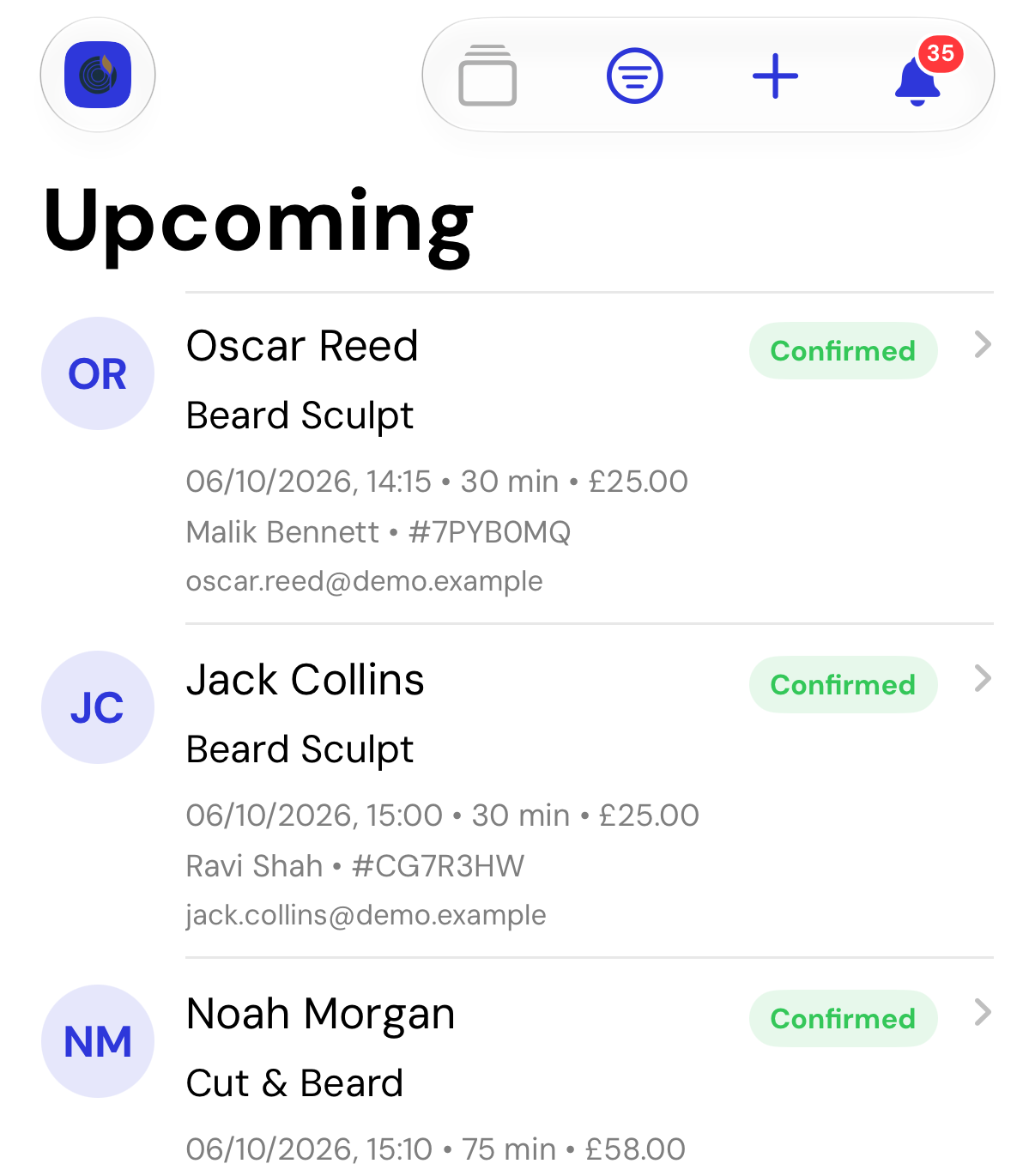
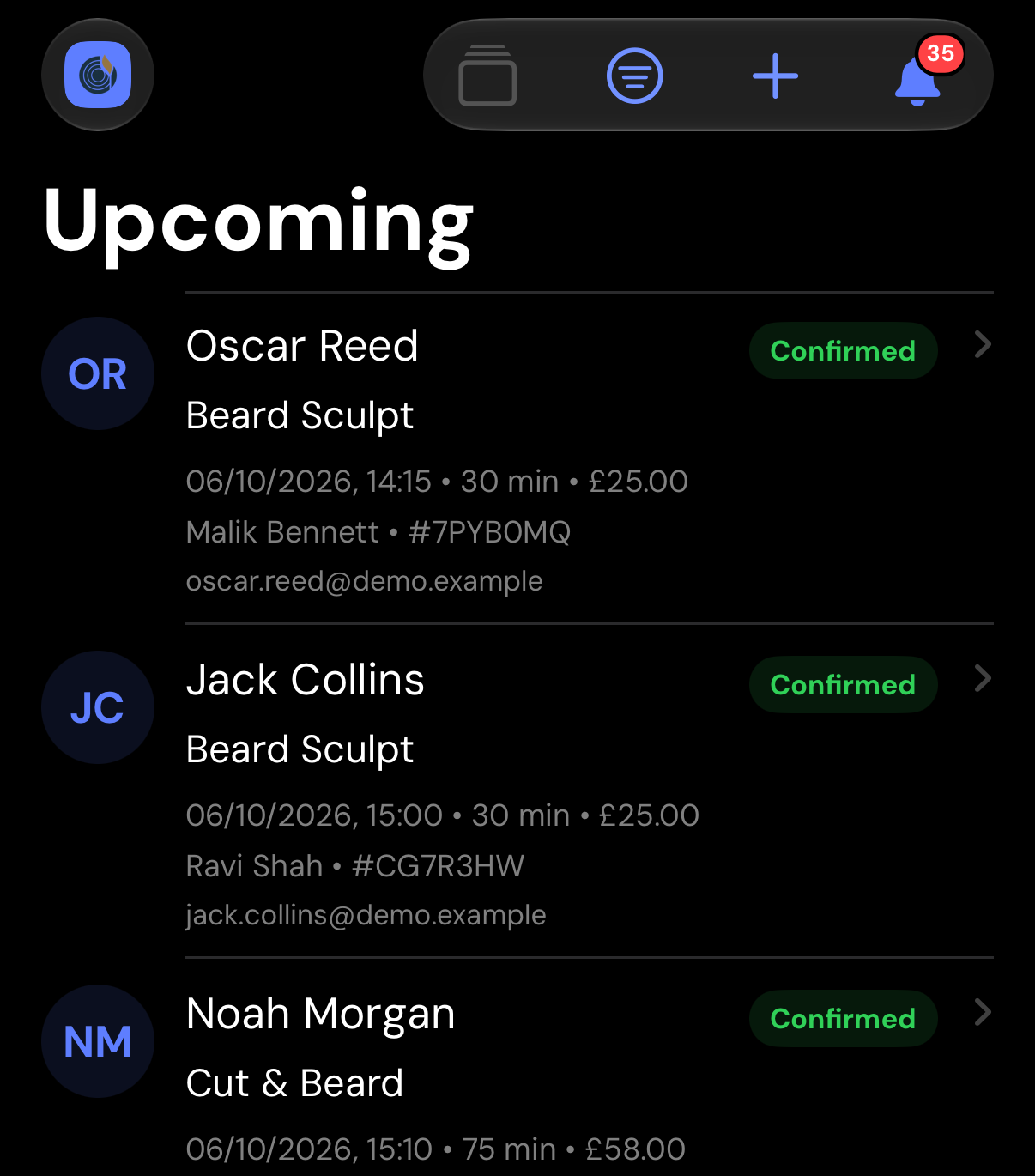
Every booking, in order
Pending, upcoming and past bookings in one list, with search.
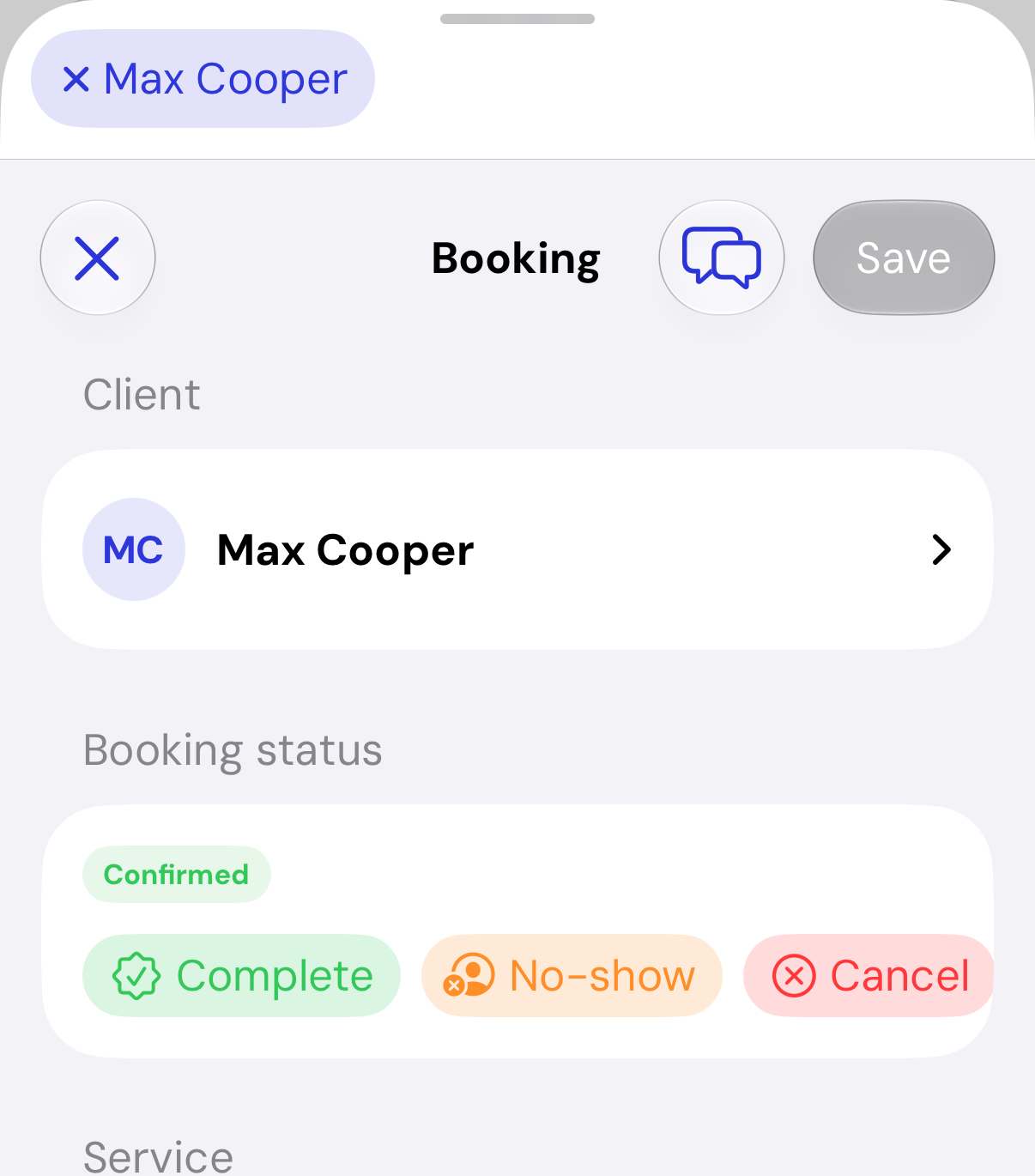
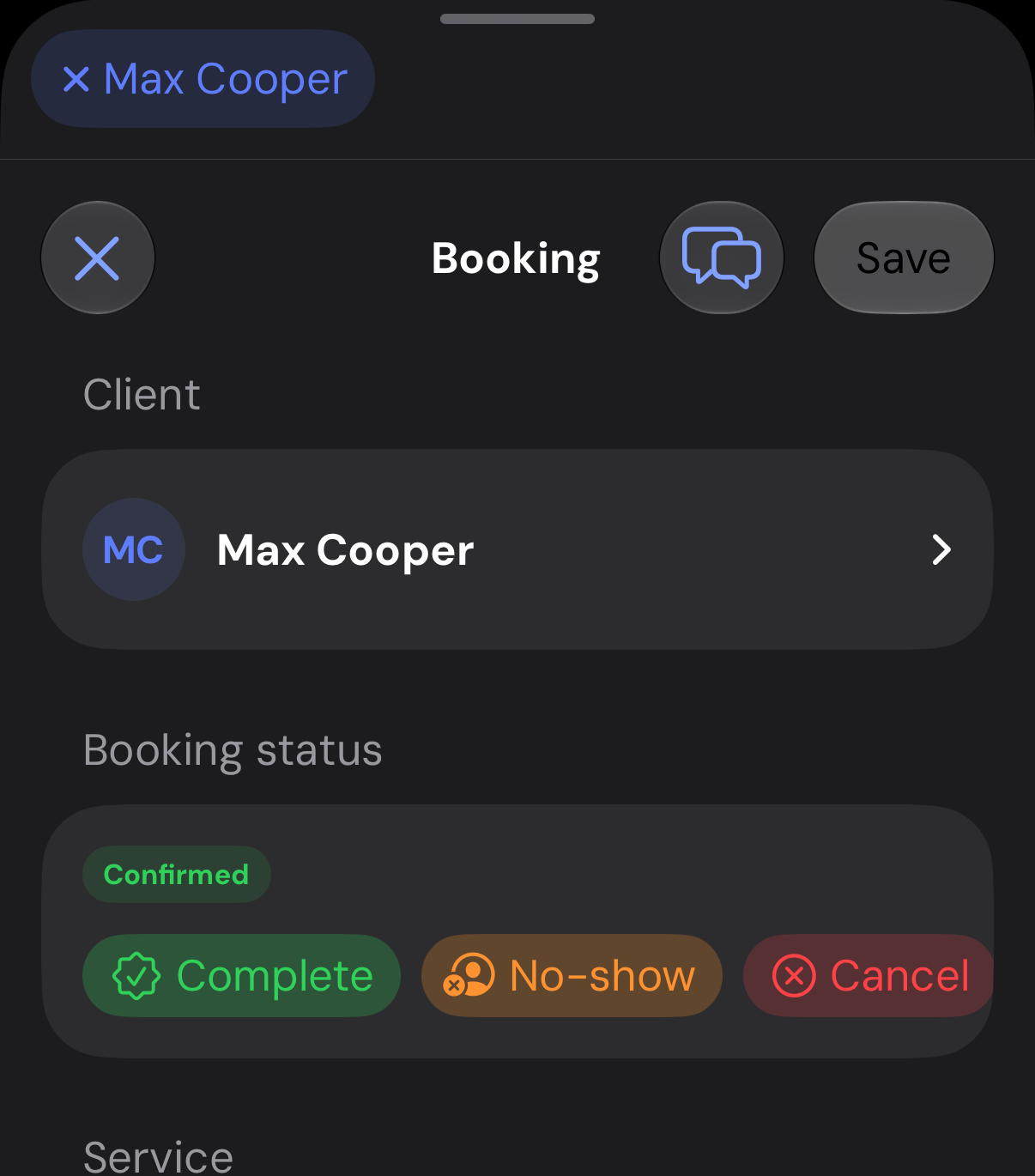
Act on a booking
Complete it, cancel it or mark a no-show. Change the time or the employee.
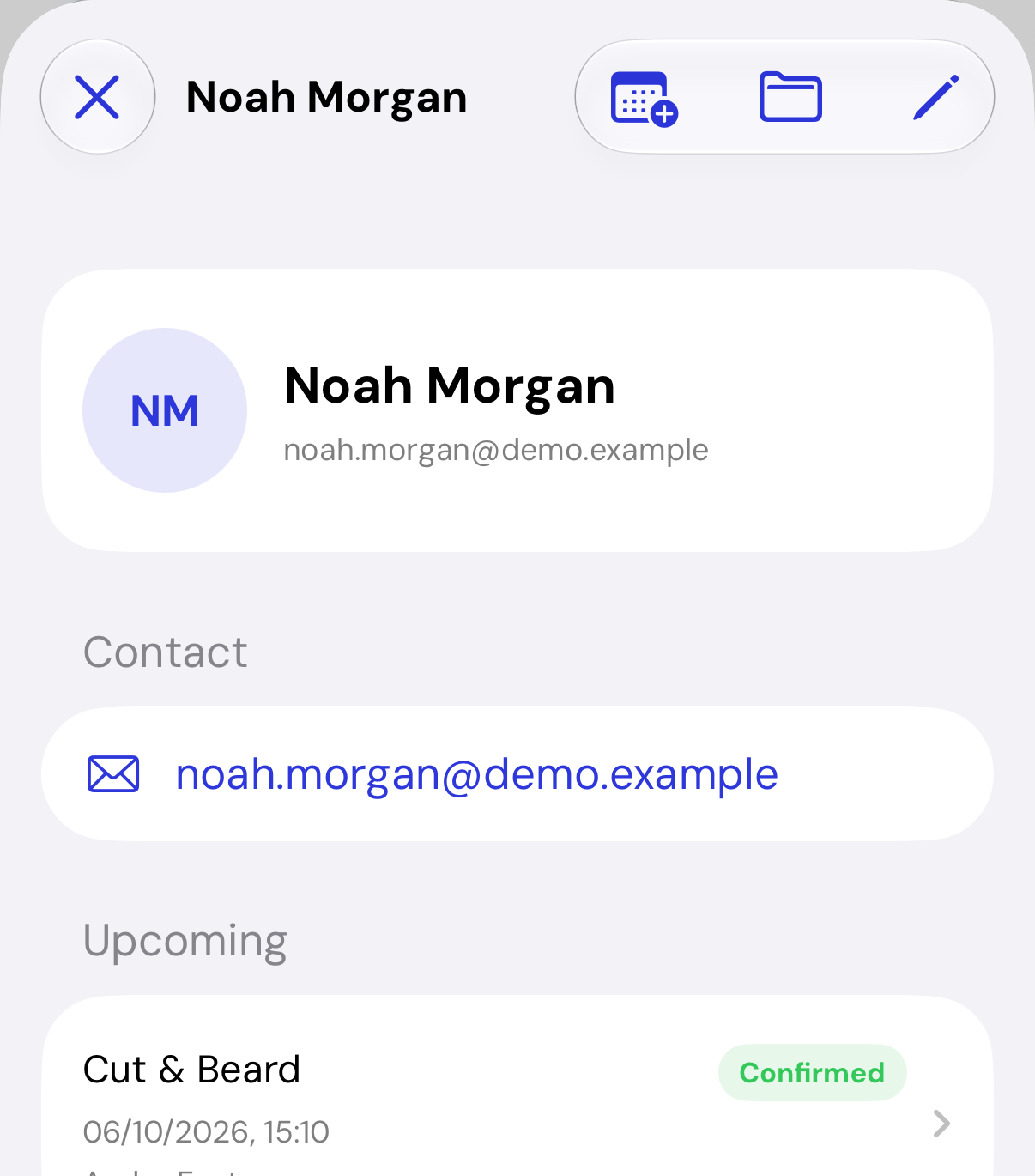
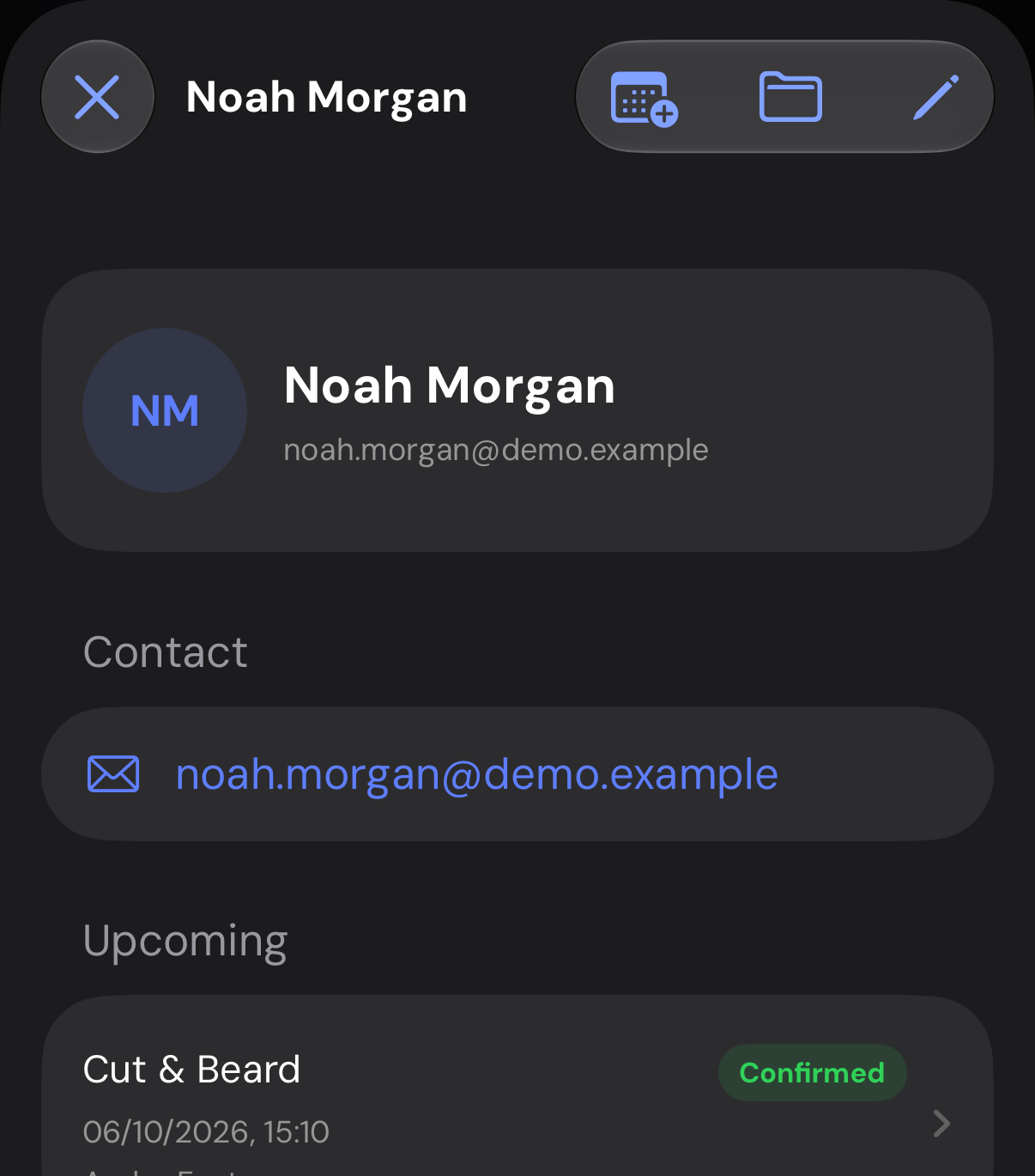
Know your clients
Contact details with upcoming and past bookings in one place.
The whole day.
In your hand.
A glance at your widget tells you what’s next. Open the app to see the schedule, check a client’s details and manage the booking.
Your calendar, clients and bookings.With you between bookings.
Everyone’s day.
Together.
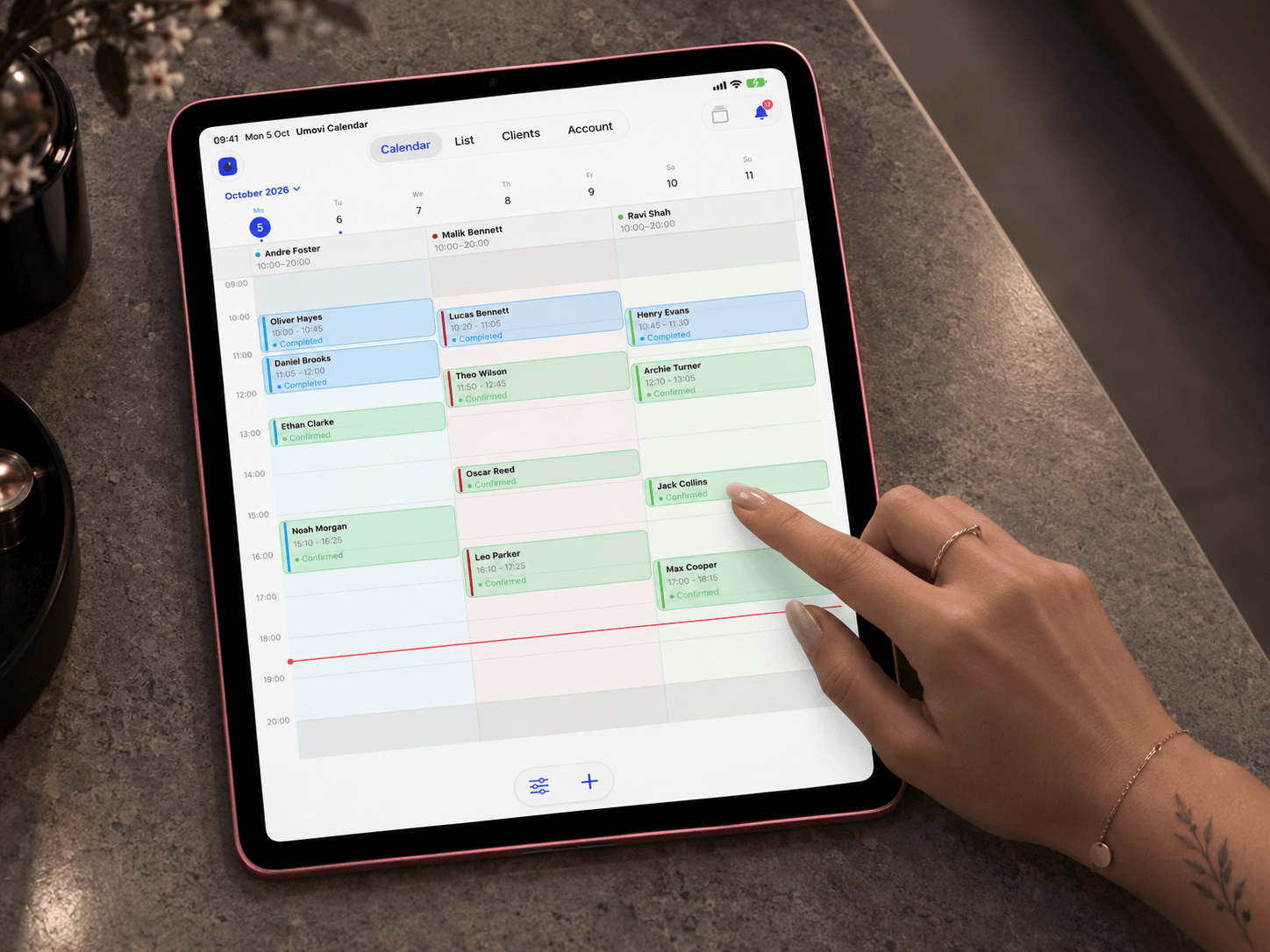
Keep your team’s schedules side by side at reception. See who’s booked, find a free slot and open the booking you need.
A shared view of the day.Room to see what needs your attention.
A clearer day.
For everyone on your team.
Get started with Umovi